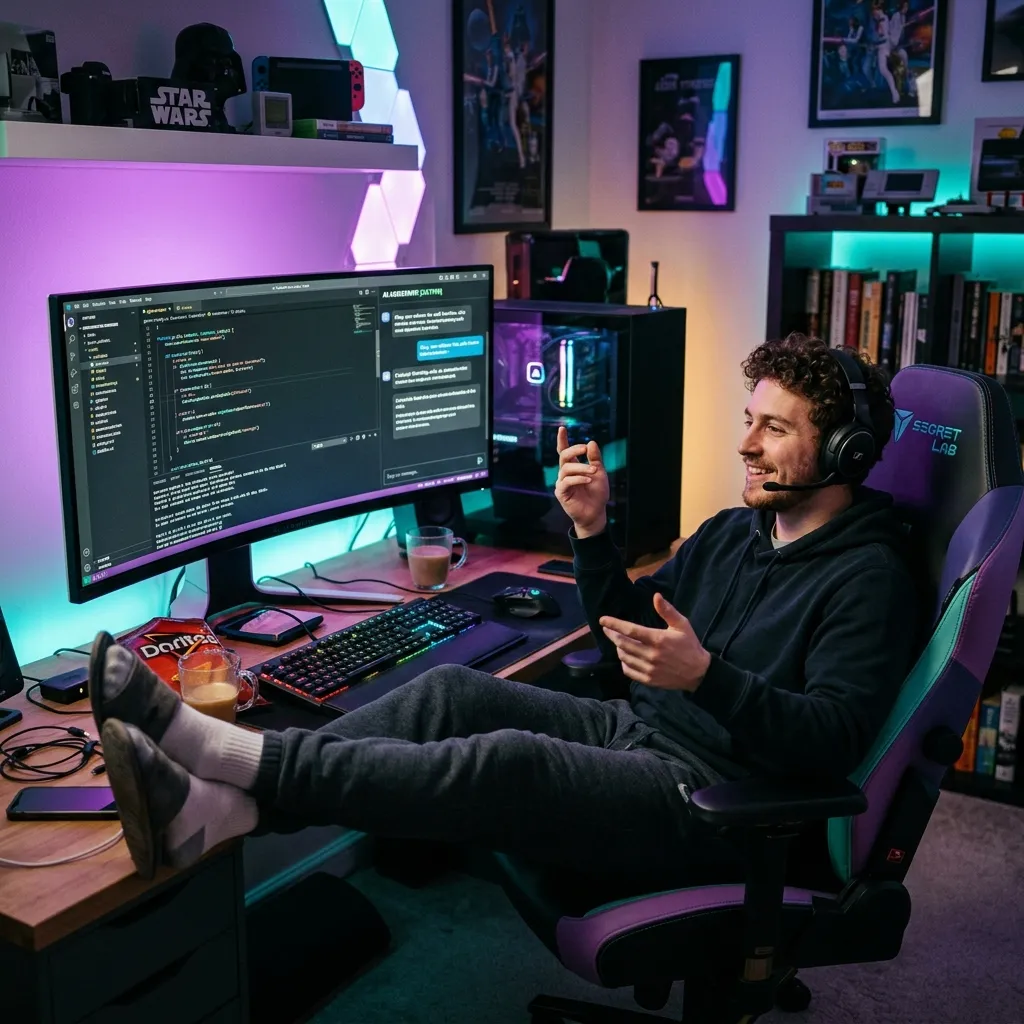
A couple of weeks ago I watched a guy on Twitter build a complete SaaS landing page in under 10 minutes. No boilerplate. No component library. He just sat there, told the AI what he wanted in plain English, and it built the entire thing while he sipped his coffee and occasionally said "yeah, but make the hero section bigger."
The replies were split right down the middle. Half the people were like "this is the future, traditional coding is dead." The other half were roasting him: "cool, now try debugging it when it breaks at 2 AM." Both sides had a point, honestly.
Welcome to vibe coding. The term has absolutely exploded in 2026, and depending on who you ask, it's either the biggest shift in how we build software or the most dangerous shortcut developers have ever taken.
I've been experimenting with it for a few months now. Here's what I actually think.
Okay, So What Exactly Is Vibe Coding?
The term was coined by Andrej Karpathy (yes, the former Tesla AI director) in early 2025. His exact words were something like: "There's a new kind of coding I call vibe coding, where you fully give in to the vibes, embrace exponentials, and forget that the code even exists."
In simpler terms, vibe coding means:
- You describe what you want in plain language instead of writing code yourself
- An AI tool writes all the code for you
- You don't really read or deeply understand the generated code
- You just accept it, run it, see if it works
- If something looks wrong, you describe the problem and the AI fixes it
- You keep going until the thing does what you want
The key difference between vibe coding and just "using AI to help you code" is the level of involvement. With normal AI-assisted coding, you still read the code, understand it, review it, and modify it yourself. With vibe coding, you literally don't care what the code looks like. You only care about the output.
Think of it like this: normal coding is driving a car. AI-assisted coding is driving with GPS navigation. Vibe coding is sitting in the backseat of a self-driving car, telling it where to go, and hoping it doesn't crash into a wall.
Why Is Everyone Suddenly Talking About This?
Three things happened that made vibe coding blow up:
1. AI Models Got Scary Good at Code
A year ago, you could ask an AI to build a login form and it would give you something that sort of worked but had weird edge cases and questionable security. Now? You describe a full authentication flow and get something production-ready with proper error handling, input validation, and session management. The gap between "AI-generated code" and "professional-quality code" has shrunk dramatically.
2. Tools Like Cursor Changed the Game
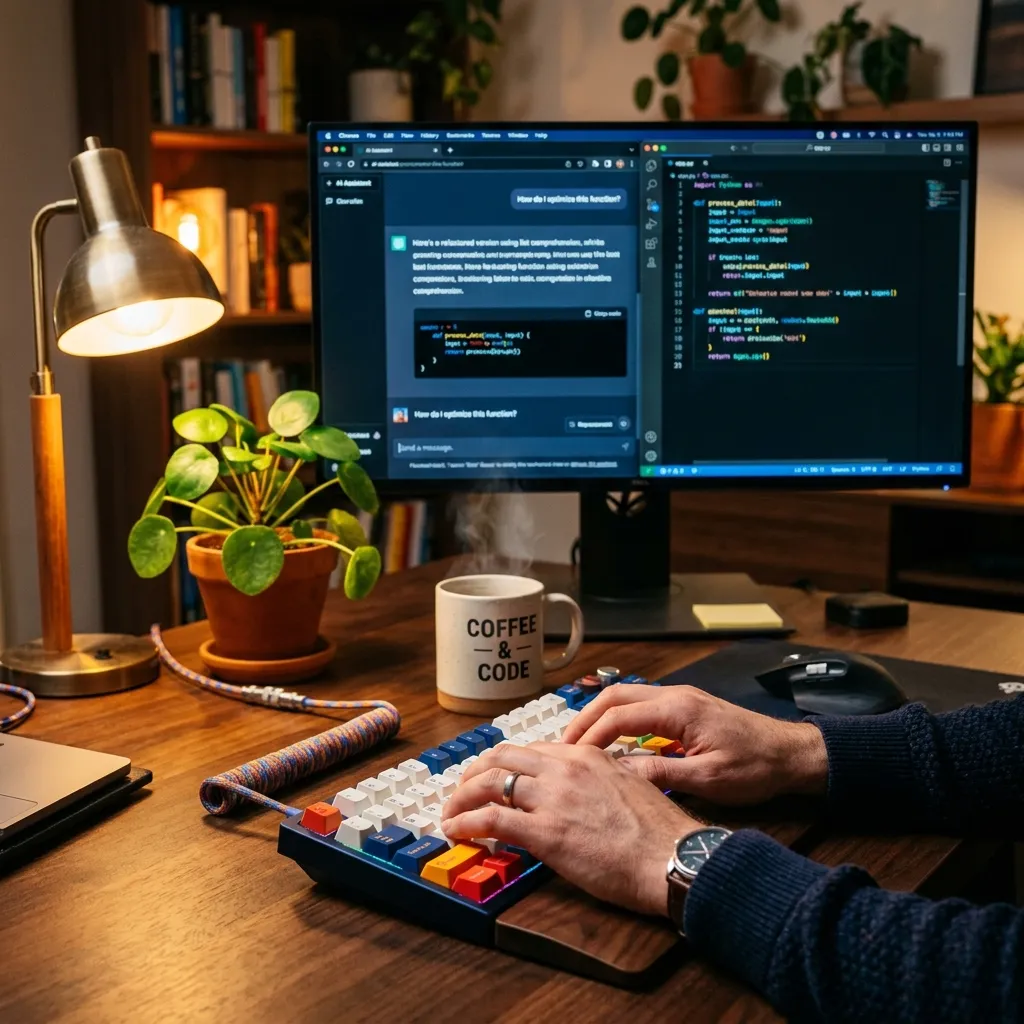
Cursor (the code editor) basically made vibe coding mainstream without calling it that. You open a project, hit Cmd+K, type what you want, and the editor rewrites your code in place. It reads your entire codebase for context. It understands your patterns. People started realizing they could build entire features without manually writing a single line, and the results were actually good.
3. Non-Developers Started Shipping Real Software
This is the part that freaks people out. Product managers, designers, and founders with zero coding experience started building working apps using AI. Not toy apps. Real, functional products that actual users are paying for. That's when the conversation shifted from "interesting experiment" to "wait, should I be worried about my job?"
What Vibe Coding Actually Looks Like in Practice
Let me walk you through a real example from last week. I needed a simple tool that converts a CSV file to a styled HTML table with alternating row colors and sortable columns.
Old way: I'd spend maybe 45 minutes writing the parser, the table generator, the sorting logic, and the CSS. I've built things like this dozens of times, so it's not hard, just time-consuming.
Vibe coding way:
Me: "Build me a web tool that lets users upload a CSV file
and displays it as a beautiful HTML table. Add alternating
row colors, make columns sortable by clicking headers, and
add a search filter. Use vanilla JS, no frameworks."

AI: [generates 180 lines of clean HTML/CSS/JS]

Me: "The sort isn't working on numeric columns, it's sorting
them alphabetically."

AI: [fixes the comparator function]

Me: "Add a download button that exports the styled table
as a PNG image."

AI: [adds html2canvas and a download handler]
Total time: about 8 minutes. And the code worked. I checked it, it was clean, nothing weird. Could I have written it better myself? In some spots, maybe. But was it worth 45 minutes of my time for those marginal improvements? Honestly, no.
That's vibe coding at its best. Fast, practical, good enough.
Where Vibe Coding Works Really Well
Prototypes and MVPs
Need to test an idea quickly? Vibe coding is perfect. You can go from "what if we built a tool that does X" to a working prototype in an afternoon. I've seen founders validate entire business ideas this way before writing a single line of "real" code.
Internal Tools Nobody Will Ever See
Admin dashboards, data scripts, one-off migration tools, report generators. Nobody cares if the code behind these is messy. They just need to work. Vibe coding is ideal for this kind of stuff.
Learning How Something Works
Here's one people don't talk about enough. Vibe coding is actually a great learning tool. Ask the AI to build something, then read the code it generates. You'll often discover patterns and approaches you didn't know about. I learned about the Intl.Segmenter API this way. Had no idea it existed until an AI used it in a text processing tool I asked for.
Repetitive and Boring Tasks
Writing API endpoints that follow the same pattern? Generating test data? Building form validation for the 500th time? These are perfect vibe coding tasks. The patterns are well-established, the AI knows them inside out, and you gain nothing from writing them manually.
The pattern I've noticed: Vibe coding works great when you know exactly what you want but don't want to spend time typing it out. It fails when you don't really know what you want and hope the AI will figure it out for you.
Where Vibe Coding Falls Apart
Security-Sensitive Code
I cannot stress this enough. Do NOT vibe code your authentication, payment processing, data encryption, or anything that handles sensitive user data. AI-generated code can have subtle security issues that look fine on the surface but create real vulnerabilities. SQL injection, XSS, improper input sanitization. The AI doesn't always think about these things unless you specifically ask.
Complex Business Logic
When the requirements are nuanced and full of edge cases, vibe coding produces garbage. "Calculate the shipping cost based on weight, destination, carrier preference, promotional discounts, and tax rules that vary by state" is the kind of thing where you need to think carefully about every condition. The AI will give you something that handles the happy path perfectly and breaks on every edge case.
Anything You Need to Maintain Long-Term
Here's the trap nobody warns you about. Vibe coding is fast going forward but brutal going backward. When you need to fix a bug in code you didn't write and don't fully understand, you're in trouble. The AI generated it, but the AI doesn't remember the context from three weeks ago. So now you're debugging someone else's code, except that someone is a machine that can't explain its reasoning.
Real talk: I've seen people vibe-code entire projects, ship them, and then spend 3x longer fixing bugs than they would have spent just writing the code properly in the first place. Speed now can mean pain later.
How I Actually Use It (The Practical Middle Ground)
After a few months of experimenting, I've settled into a workflow that combines the speed of vibe coding with the reliability of traditional development:
- Vibe code the first draft. Describe what I want, let the AI build it. This gets me 80% of the way there in 20% of the time.
- Read every line. Before I accept anything, I go through the generated code and make sure I understand what it does. This is non-negotiable. If I can't explain a piece of code, I either ask the AI to explain it or I rewrite it myself.
- Refactor the messy parts. AI code is functional but not always elegant. I clean up the naming, remove unnecessary complexity, and make sure it fits the project's existing patterns.
- Write the critical parts myself. Auth, payments, data validation, anything that touches user trust. I write this by hand. Every time. No exceptions.
- Test everything. I use the AI to generate tests (it's really good at this), then I review the test cases to make sure they cover the edge cases I care about.
This hybrid approach gives me roughly 3x the speed of pure manual coding, without the risks of pure vibe coding. It's the sweet spot I keep coming back to.
The "Vibe Coder vs Real Developer" Debate Is Missing the Point
Twitter is full of arguments about whether vibe coders are "real" developers. I think this debate is completely pointless. Here's why.
A chef who uses a food processor instead of hand-chopping every vegetable is still a chef. A photographer who shoots in auto mode sometimes is still a photographer. A developer who uses AI to generate boilerplate is still a developer.
The question isn't "did you type every character yourself?" The question is "do you understand what your software does, can you fix it when it breaks, and does it actually solve the problem well?"
If the answer is yes, I don't care how you built it. If the answer is no, it doesn't matter whether you used AI or wrote every line by hand. Either way, that's a problem.
Will Vibe Coding Replace Traditional Coding?
Short answer: no. Longer answer: it's going to replace certain types of coding.
The grunt work, the boilerplate, the "I've written this exact same CRUD endpoint 200 times in my career" kind of coding? Yeah, that's getting automated. And honestly, good riddance. Nobody became a developer because they love writing form validation for the hundredth time.
But the thinking part of software development? Understanding requirements, making architectural decisions, debugging complex systems, designing for scale, thinking about security and performance? That's not going anywhere. If anything, those skills become MORE valuable as the mechanical part of coding gets easier.
The developers who'll thrive are the ones who can do both: use AI to move fast when speed matters, and slow down to think carefully when the situation demands it. That's always been the skill. Knowing when to go fast and when to go slow.
Getting Started with Vibe Coding (If You Want to Try)
If you want to experiment, here's my practical advice:
- Start with throwaway projects. Build something you don't care about. A silly web app, a tool for personal use, a weekend experiment. Get comfortable with the workflow before you try it on anything that matters.
- Use a good tool. Cursor is the most popular choice right now. Claude and ChatGPT work well too, especially for standalone scripts. Find what clicks for you.
- Be specific with your prompts. "Build me a website" will give you generic garbage. "Build me a single-page tool that converts hex colors to RGB and HSL, with a visual color preview, copy buttons, and a clean dark UI" will give you something actually useful.
- Always review the code. Even if you're vibe coding, spend 5 minutes reading what the AI generated. You'll catch bugs, learn new patterns, and build confidence that your code actually works.
- Know your limits. If you're building something for users, for production, for money, don't vibe code the important parts. Speed isn't worth it when reliability matters.
Building Developer Tools with AI?
Turn your code snippets into beautiful, shareable images. Perfect for tutorials, documentation, and social media.
Try Code to Image Free →The Bottom Line
Vibe coding isn't good or bad. It's a tool. Like any tool, it works great when you use it right and creates problems when you don't.
Use it for speed when the stakes are low. Use it for exploration when you're learning. Use it for boring repetitive tasks that drain your energy. But don't use it as a substitute for actually understanding your own software.
The best code I've shipped this year? Built with a combination of vibe coding for the scaffolding and careful manual work for the stuff that matters. That balance is the skill worth developing.
The vibes are good. Just don't forget to check the code.
