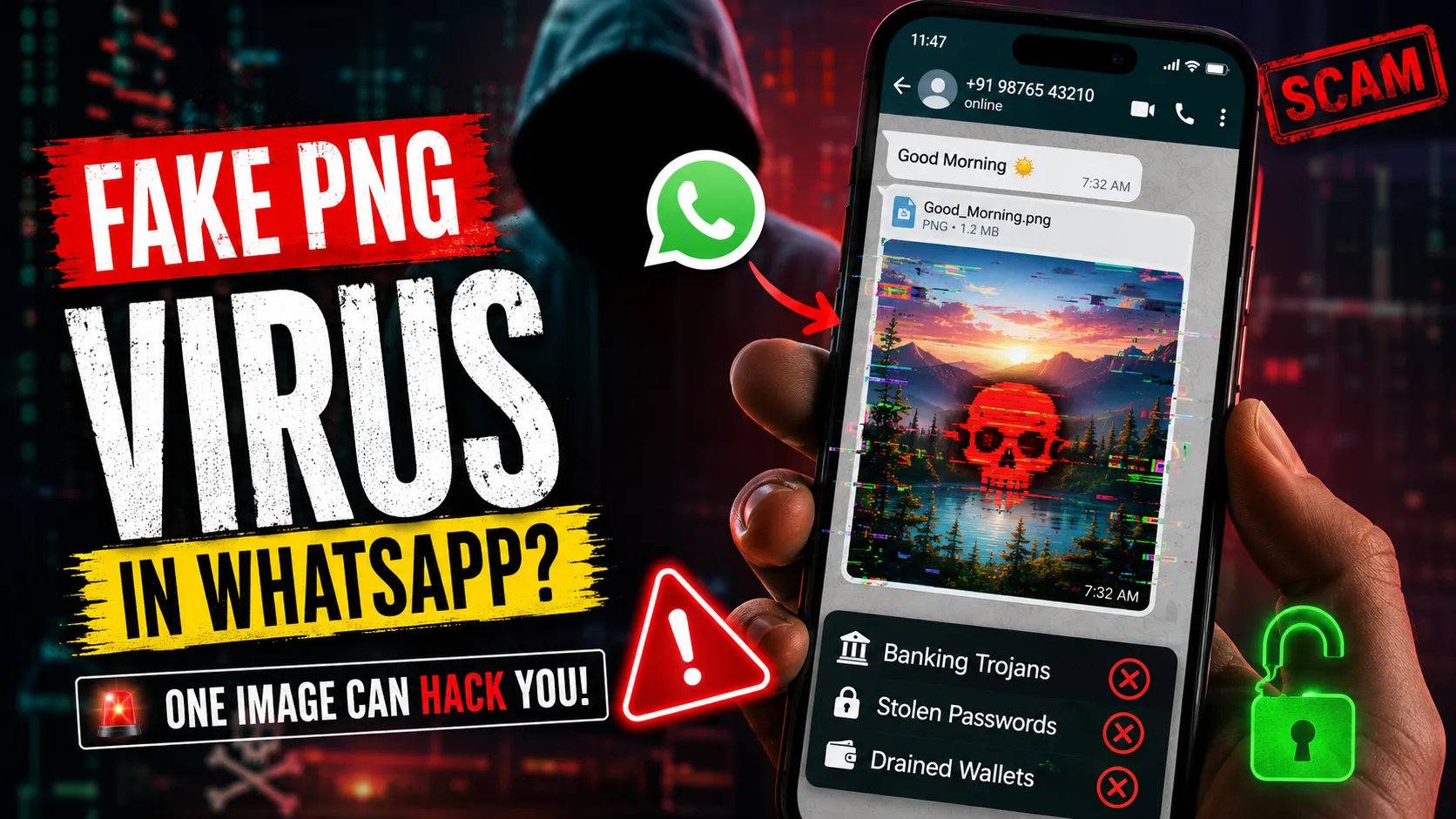
Imagine waking up, grabbing your phone, and opening WhatsApp. You see a message from a distant relative or an unknown number in a group chat. It is just a harmless "Good Morning" image or a funny meme. You tap to view it.
No sketchy links. No strange downloads. Just a single image.
Yet, in that exact moment, a malicious payload silently executes in the background. Within hours, your banking apps are compromised, your crypto wallet is drained, and your private gallery is locked behind a ransomware demand. Welcome to the terrifying reality of the "Fake PNG" WhatsApp Virus of 2026.
For years, cybersecurity experts have drilled a single rule into our heads: "Don't click suspicious links, and never download .exe or .zip files from strangers." Hackers know that the average user is now too smart to fall for a random PDF or software download.
So, they adapted. They started weaponizing the one file format we blindly trust and share millions of times every day: Images.
The Tech Behind the Trap: What is Steganography?
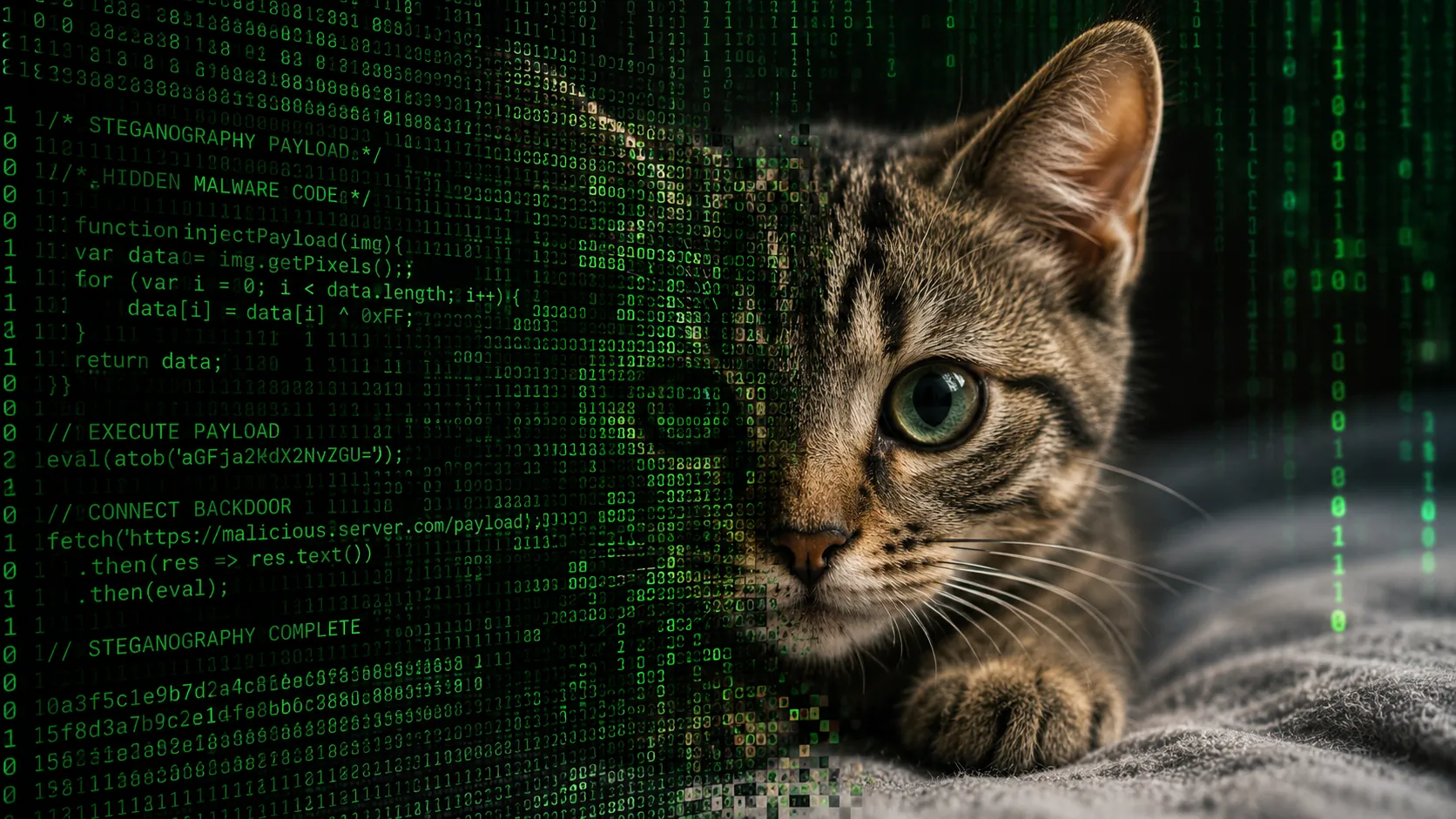
The concept of hiding secrets inside images isn't new; it's a technique called Steganography. In the past, spies used it to hide encrypted messages within the pixels of digital photos. Today, cybercriminal syndicates are using advanced AI tools to embed highly sophisticated malware directly into the code of seemingly innocent .png or .webp files.
The "Zero-Click" Threat
Unlike traditional phishing where you have to manually enter your password or install a malicious app, the Fake PNG virus relies on Zero-Click exploits. The moment your device processes the image to display it on your screen, a vulnerability in the image rendering engine allows the hidden code to execute. You don't have to "install" anything. Viewing the image is the installation.
How the WhatsApp "Auto-Download" Feature Betrays You
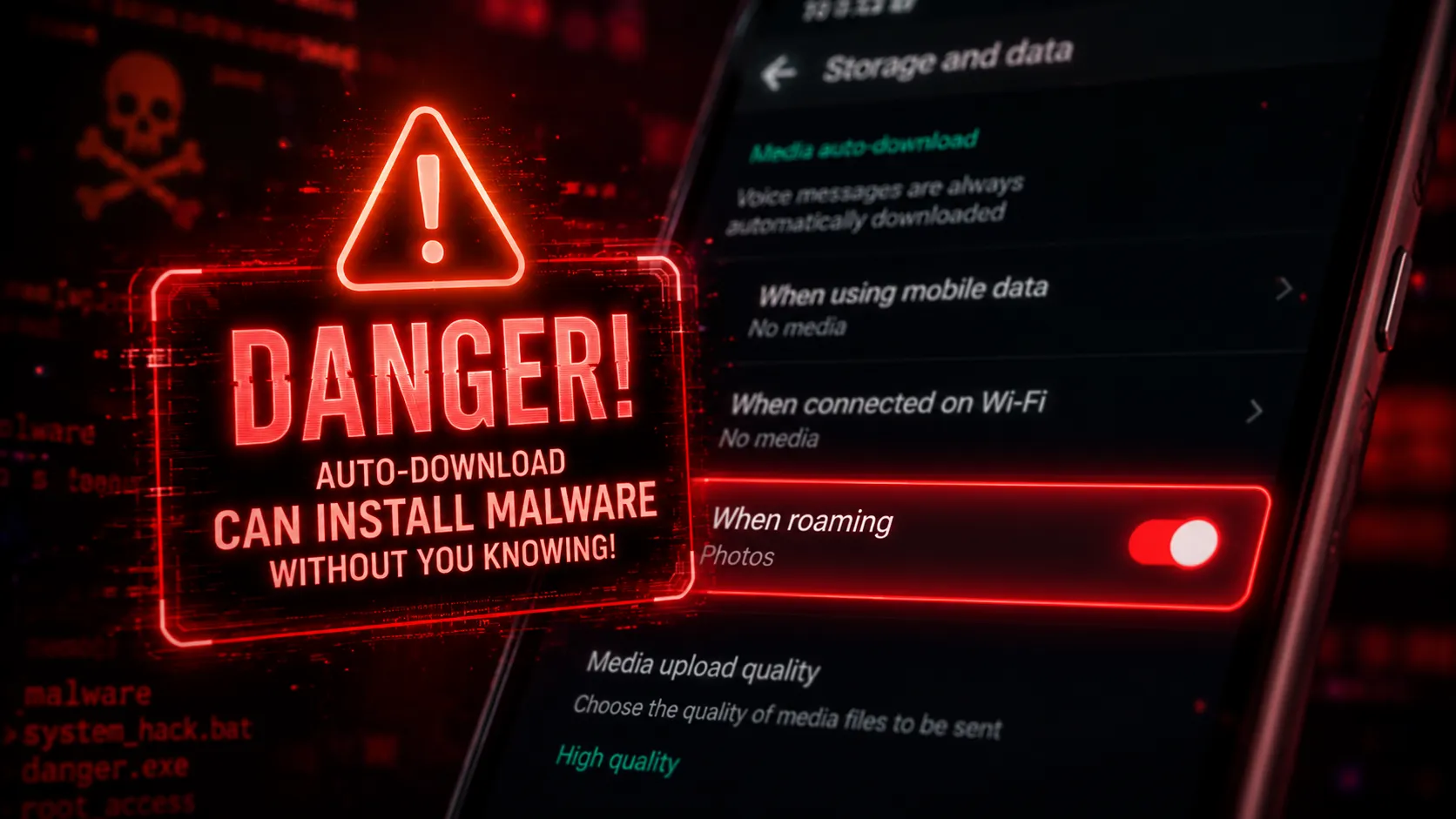
Why WhatsApp? Because of a highly convenient, yet incredibly dangerous default setting: Media Auto-Download.
By default, WhatsApp automatically downloads photos and videos over Wi-Fi so they are instantly ready for you to view. This means that if a hacker manages to slip a "Fake PNG" into a large community group chat you belong to, the malicious image is automatically downloaded and processed by your phone's storage before you even open the app.
Once the image is parsed by your device's media gallery or WhatsApp's internal renderer, the payload triggers. It acts as a backdoor, allowing hackers to silently install keyloggers, intercept OTPs (One-Time Passwords), or scrape your contacts to spread the infection further.
The "Safe Format" Illusion
Many users mistakenly believe that if a file ends in .jpg or .png, it is purely visual data and cannot execute code. While standard image viewers are designed to ignore non-image data, modern operating systems are deeply interconnected. Hackers exploit buffer overflow vulnerabilities. This means they stuff so much malicious code into the image file that the rendering software "overflows" and accidentally runs the code as system instructions.
The Ultimate Protection Checklist
The Fake PNG virus is stealthy, but it is not invincible. By changing a few critical settings, you can completely immunize your device against this emerging threat.
- Disable Auto-Download Immediately. Go to WhatsApp Settings > Storage and Data > Media Auto-Download. Uncheck "Photos" across all networks (Cellular, Wi-Fi, and Roaming). You must manually tap to download media from trusted sources only.
- Beware of "Document" Images. If someone sends an image as a "Document" rather than a standard photo (to preserve quality), treat it with extreme caution. This bypasses WhatsApp's internal image compression, which often breaks the hidden malware payload.
- Use Client-Side Tools. If you need to convert or compress images you receive, never upload them to shady websites. Use 100% client-side, browser-based tools (like the ones built right here on HTMLtoImages) to safely process files without executing backend payloads.
The Bottom Line for 2026
As AI makes generating hyper-realistic images trivial, the volume of visual media we consume is skyrocketing. Cybercriminals are capitalizing on this fatigue. The next time you receive an unprompted meme or a random screenshot from an unknown number, resist the urge to tap it.
In the digital age of 2026, a picture isn't just worth a thousand words. In reality, it could cost you your entire bank account.
People Also Ask (FAQs)
Can I get a virus just by opening a picture on WhatsApp?
Yes, in 2026, cybercriminals use a technique called steganography to hide malicious payloads within image files. If your device has unpatched vulnerabilities in its image rendering engine, simply viewing the image can trigger a zero-click exploit that compromises your phone.
How can I tell if a PNG or WEBP image has a virus?
Visually, you cannot tell the difference. The malicious code is hidden deep within the pixel data or EXIF metadata. The best defense is to disable WhatsApp's auto-download feature and never open unexpected media files from unknown contacts. If you must inspect or convert an image, always use secure, client-side tools like the ones on HTMLtoImages, where no data leaves your browser.
Does WhatsApp auto-download cause hacking?
WhatsApp's auto-download feature itself isn't a hack, but it enables zero-click exploits. If auto-download is on, malicious images are instantly processed by your phone's storage system, allowing hidden malware to execute automatically before you even open the app. Disabling this setting is highly recommended by cybersecurity experts.
Can an antivirus detect a fake PNG?
Most traditional antivirus software struggles to detect steganography because the file structure of the image remains completely valid. The malicious code only executes in memory when rendered, making it nearly invisible to basic scans.
Is it safe to view images on WhatsApp Web?
WhatsApp Web relies on your browser's rendering engine. While desktop browsers often have stronger sandboxing than mobile apps, a sophisticated zero-click exploit can still compromise your computer. It is always best to avoid opening unverified files.
Can iPhone users get hacked by image files?
Yes, iOS is not immune to zero-click exploits. While Apple frequently patches rendering vulnerabilities, cybercriminals are constantly discovering new flaws in how iPhones process image formats like WebP and PDF.