
Picture this: It's 2 AM. You've been wrestling with a stubborn React bug for three hours. In a moment of desperation, you paste the error into ChatGPT. Within seconds, it spits out a beautifully formatted, five-paragraph answer complete with a neat little code block.
"Ah, finally," you think. You copy-paste the code, hit save, and your compiler instantly screams with an entirely new, even more confusing error. You look closely at ChatGPT's code and realize it just invented a library that doesn't exist.
Why did it sound so sure of itself? Why didn't it just say, "I don't know"?
Welcome to the world of AI Hallucinations. It's the most frustrating, hilarious, and dangerous part of working with Large Language Models (LLMs) today. Let's break down exactly why this happens—not with boring academic jargon, but in plain English.
The Ultimate "Yes Man"
To understand why ChatGPT lies to you, you first need to understand what it actually is. At its core, an LLM is not a database of facts. It doesn't "look up" answers in a digital encyclopedia.
Instead, it's essentially the world's most advanced version of your phone's autocomplete keyboard.
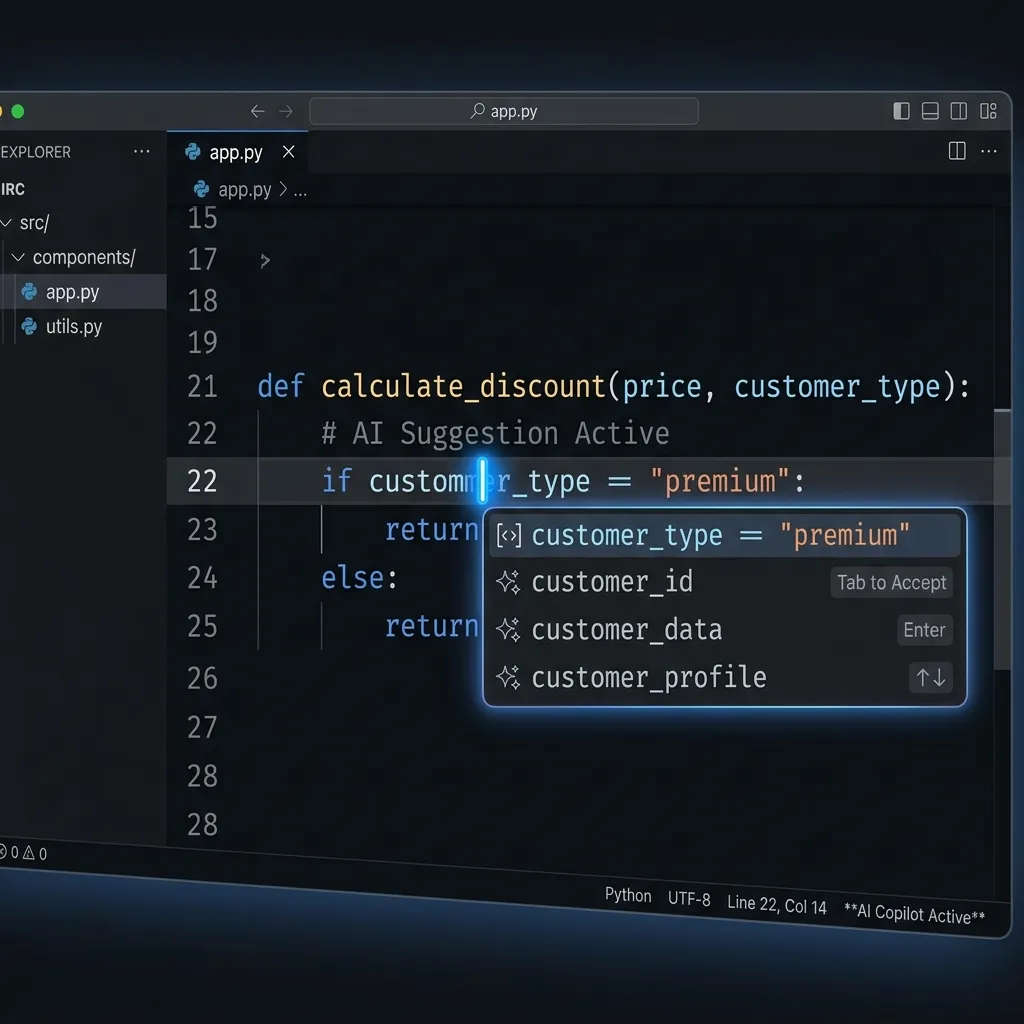
When you ask a question, the AI doesn't "think" about the concept. It mathematically predicts which word should logically come next based on the trillions of words it read during training.
If you type: "The sky is..."
The AI calculates that the word "blue" is statistically the most likely next word. It doesn't know the sky is blue; it just knows humans put those words together very often.
Why Is It So Confident About It?
This is the part that tricks even senior developers. When humans don't know an answer, we usually use hedging language: "I think," "Maybe," "I'm not sure but..."
LLMs are explicitly trained (during a phase called Reinforcement Learning from Human Feedback, or RLHF) to be helpful, authoritative, and clear. Humans training these models historically upvoted answers that sounded confident and professional.
So, when ChatGPT invents a fake Python library called import SuperFastJSONParser, it won't stutter. It will format it beautifully, explain the fictional parameters with absolute authority, and tell you exactly how to install it via npm or pip.
The 3 Types of Developer Hallucinations
If you use AI to code, you will encounter these three specific types of hallucinations constantly. Recognizing them is half the battle.
1. The "Ghost Library" API
This is when the AI confidently tells you to use a method or library that simply doesn't exist. It happens because the AI knows that libraries usually have a method named like that. For example, if you ask how to get the current user in a niche framework, it might invent Framework.Auth.getCurrentUser() because it statistically matches how other frameworks do it.
2. The "Time Traveler" Bug
Most models have a knowledge cutoff date. If you're using Next.js App Router (which drastically changed how routing works recently) and you ask ChatGPT for help, it might confidently give you code for the older Pages Router, insisting it's the right way. It's not lying; it's just stuck in the past.

3. The "Silent Context Drop"
You paste a 500-line file and ask it to add a button. It gives you the code back with the button added, but it quietly deleted your error handling logic from line 200 because it "forgot" about it while generating the massive response. It confidently says, "Here is the updated file!"
How to Spot the Bullshit (A Developer's Guide)
You shouldn't stop using AI. It makes us 10x faster. But you need to adopt a "Trust, but Verify" mindset. Here is how you spot a confident hallucination before it breaks production:
- The "Too Perfect" Rule: If an AI gives you a remarkably elegant, simple solution to a deeply complex, niche problem that has been plaguing you for days... be highly suspicious. Check the docs.
- Ask for Sources: Reply to the AI with: "Can you provide a link to the official documentation for that specific method?" Often, the AI will immediately apologize and admit it made it up.
- Never Blind Copy-Paste: Treat AI code like code written by a very fast, very eager junior developer who occasionally drinks on the job. Read every line.
- Use the "Rubber Duck" Reverse: If the code looks weird, paste it into a new, empty chat and ask the AI: "Explain what this code does and identify any bugs." A fresh context window will often catch the hallucination the previous chat generated.
The Future: Will This Get Fixed?
Models are getting better. Claude 4.7 and Gemini 3.5 have made massive strides in reducing hallucination rates compared to earlier models. Techniques like RAG (Retrieval-Augmented Generation)—where the AI literally searches the web or your codebase before answering—are making them more grounded in reality.
But the core architecture of an LLM is probabilistic. As long as it's guessing the next word, there will always be a tiny chance it guesses wrong. And because it's built to please you, it will do so with a smile.
So next time ChatGPT tells you to run npm install imaginary-package-that-solves-all-problems, just laugh, open the actual documentation, and remember: It's not malicious. It just really, really wanted to give you an answer.
Looking for tools you can trust? Try our 100% client-side Code to Image or QR Code Generator. No hallucinations, just utility.